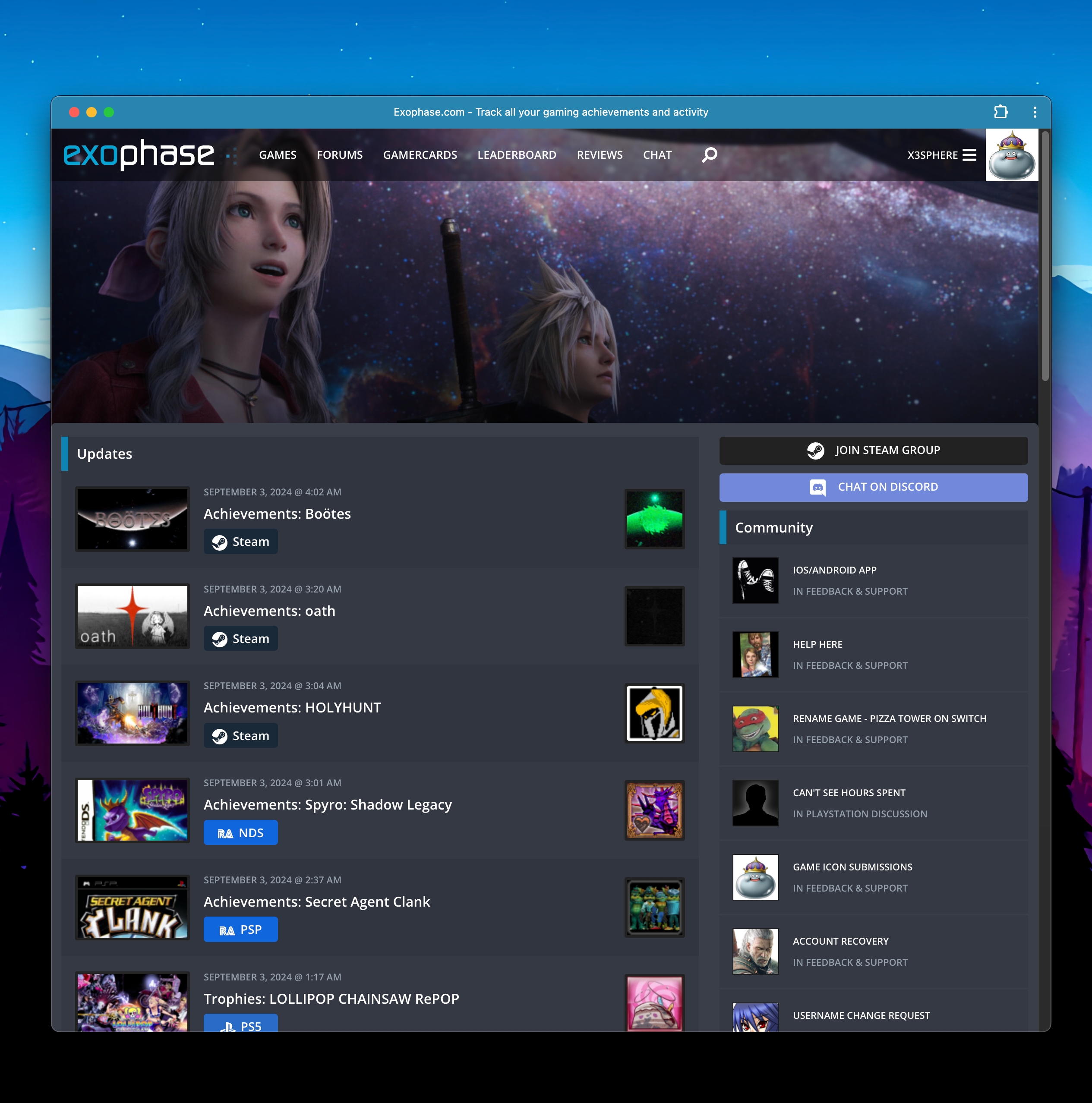
Looking for a mobile or desktop app? While Exophase is currently not on the Apple App Store or Google Play Store, we offer an installable PWA (Progressive Web App) that can be used to access the website outside of your browser.
Once installed, it adds an icon to your home screen or desktop and functions just like a native app would - there is essentially no difference.
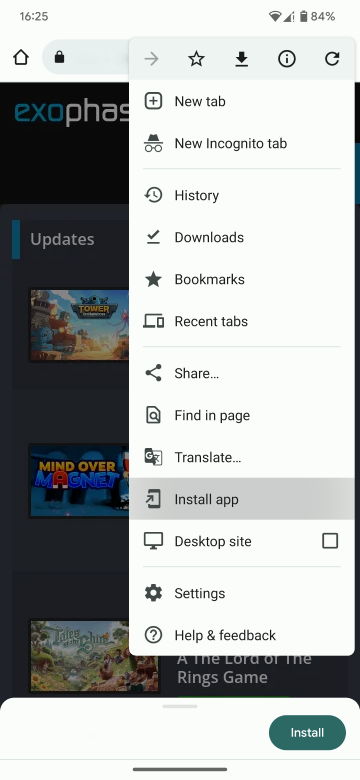
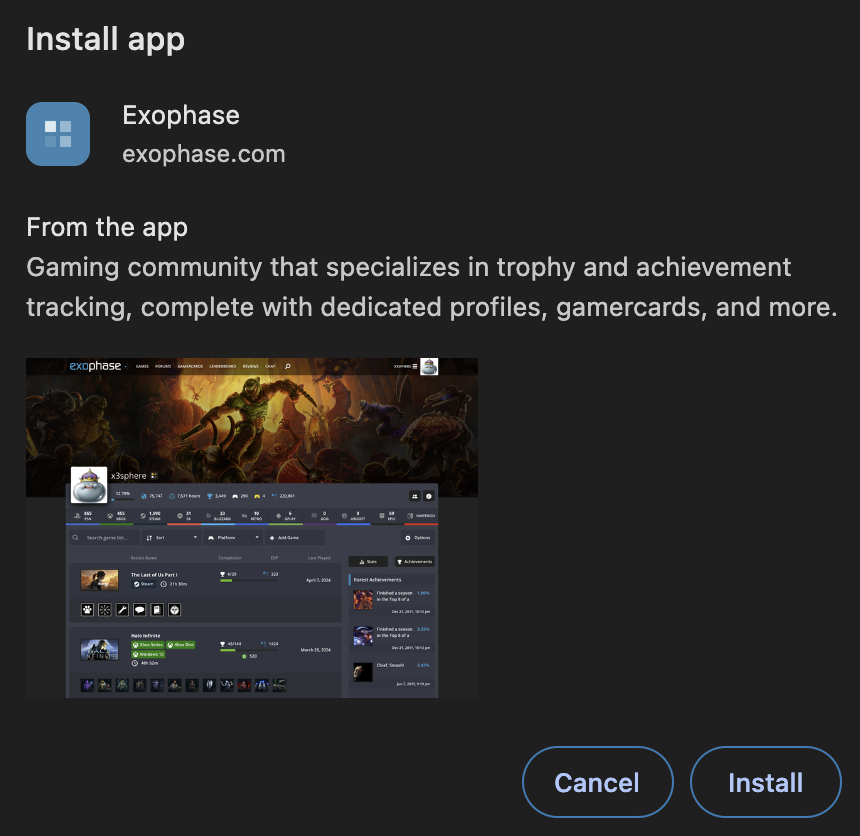
Below is a step by step guide you can follow to install the PWA. Select your platform of choice for specific instructions.
If you experience issues with the installation process, have questions or feedback, let us know on the forums here.